

4-H Volunteers Learn AI Short-Video Making in Tainan

4-H Taiwan held the 2026 4-H Volunteer Training at a hotel in Tainan on October 4–5. The theme was hands-on AI short-video creation, and it was open to 4-H extension workers, volunteer leaders and teaching staff from farmers' and fishermen's associations at all levels, agricultural research and extension stations, and university agricultural extension committees. Over two days, participants went from planning to filming, editing and a review of their finished work. About 39 people took part.
Day 1: From Planning to Filming, Learning by Doing
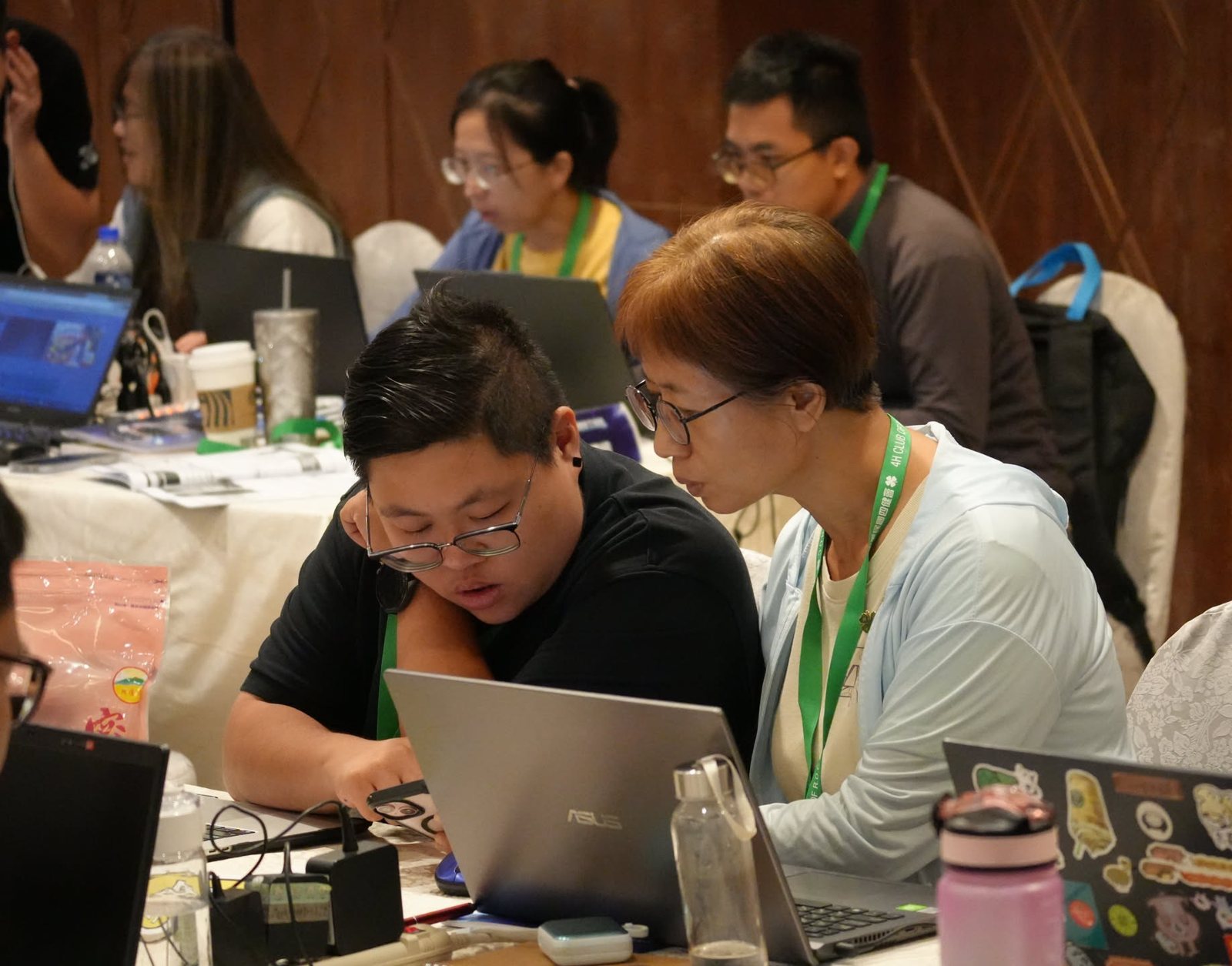
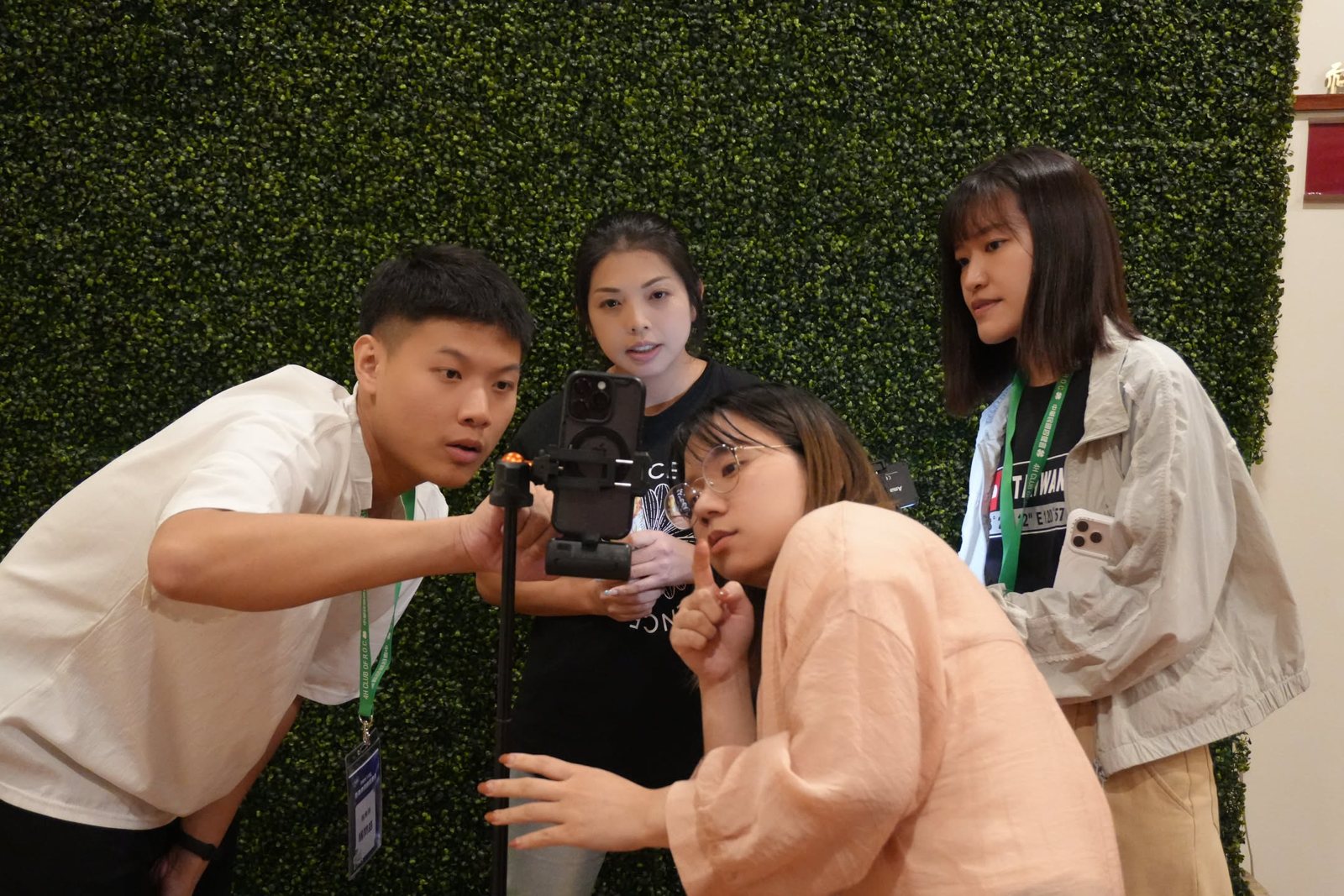
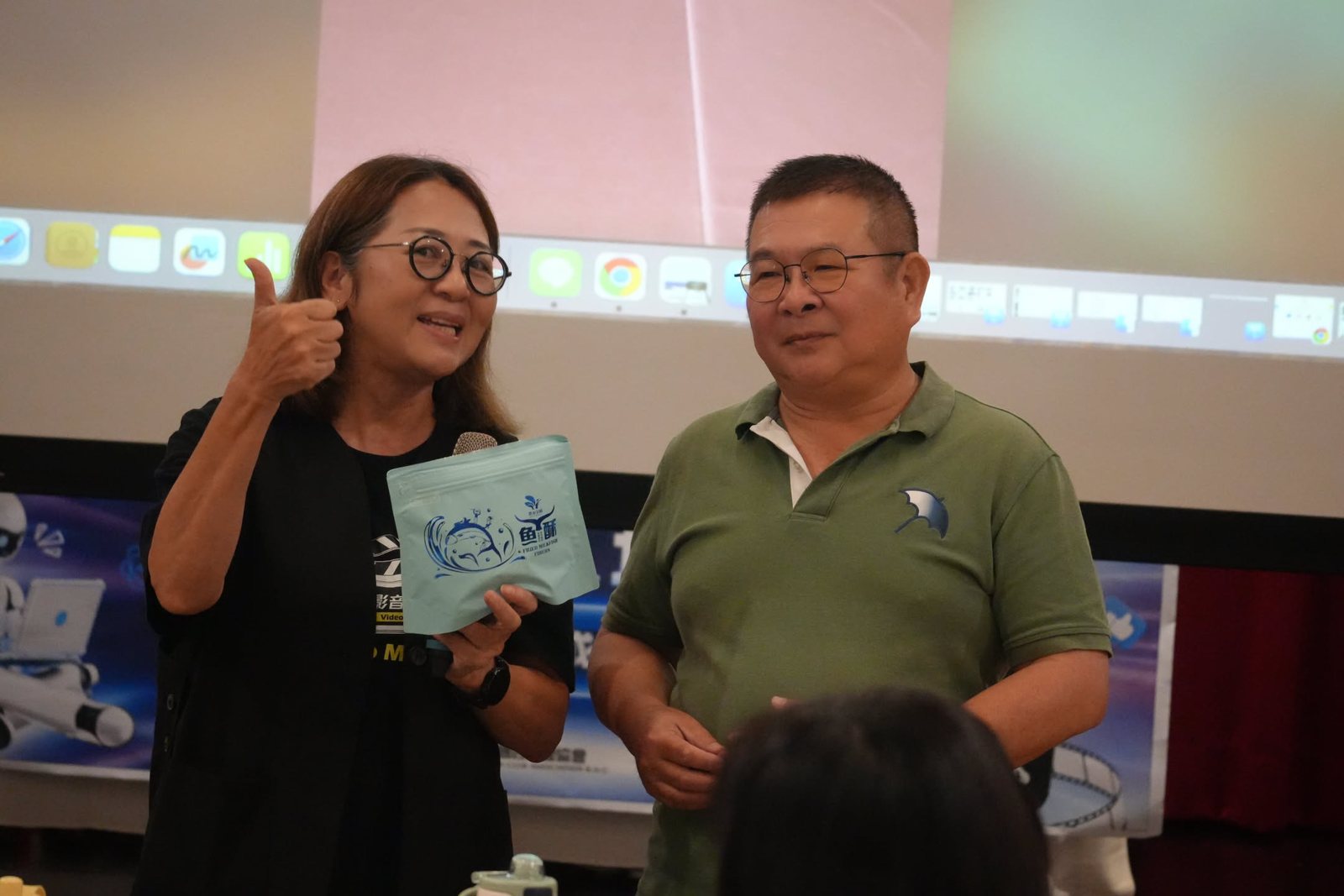
The training aimed to strengthen volunteers' digital promotion and planning skills. The instructor specializes in running self-media channels, video production and audiovisual training, with one assistant helping. In addition to a laptop and a phone, each participant brought a product from their own farmers' association to use as a filming sample. The training began with “Meet in 4-H,” so that volunteers from different places could get to know each other, and moved into hands-on sessions after the opening ceremony.
Day 2: Reviewing the Work and Creating Digital Avatars
After dinner on Day 1 there were two hours of group work, during which each group continued to organize footage and edit its video. On the morning of Day 2 the groups reviewed and discussed their work: each group turned what it had learned over the two days into a video, handling everything from AI planning, scripting, filming and editing to presentation. For judging, each group scored the other groups' works, and each participant voted for the individual short video they thought was best. In the next session, “Creating Videos with a Digital Avatar,” participants tried creating a digital avatar and used AI tools in video creation. The course closed with feedback and discussion after lunch.
Different Generations Finishing Their Work Together
Participants this time were of varied ages. While preparing their works, younger participants stepped in to help older ones who ran into trouble with AI tools, and each group discussed and revised together until the work was complete. Some learned a new AI tool, and some finished their first short video.
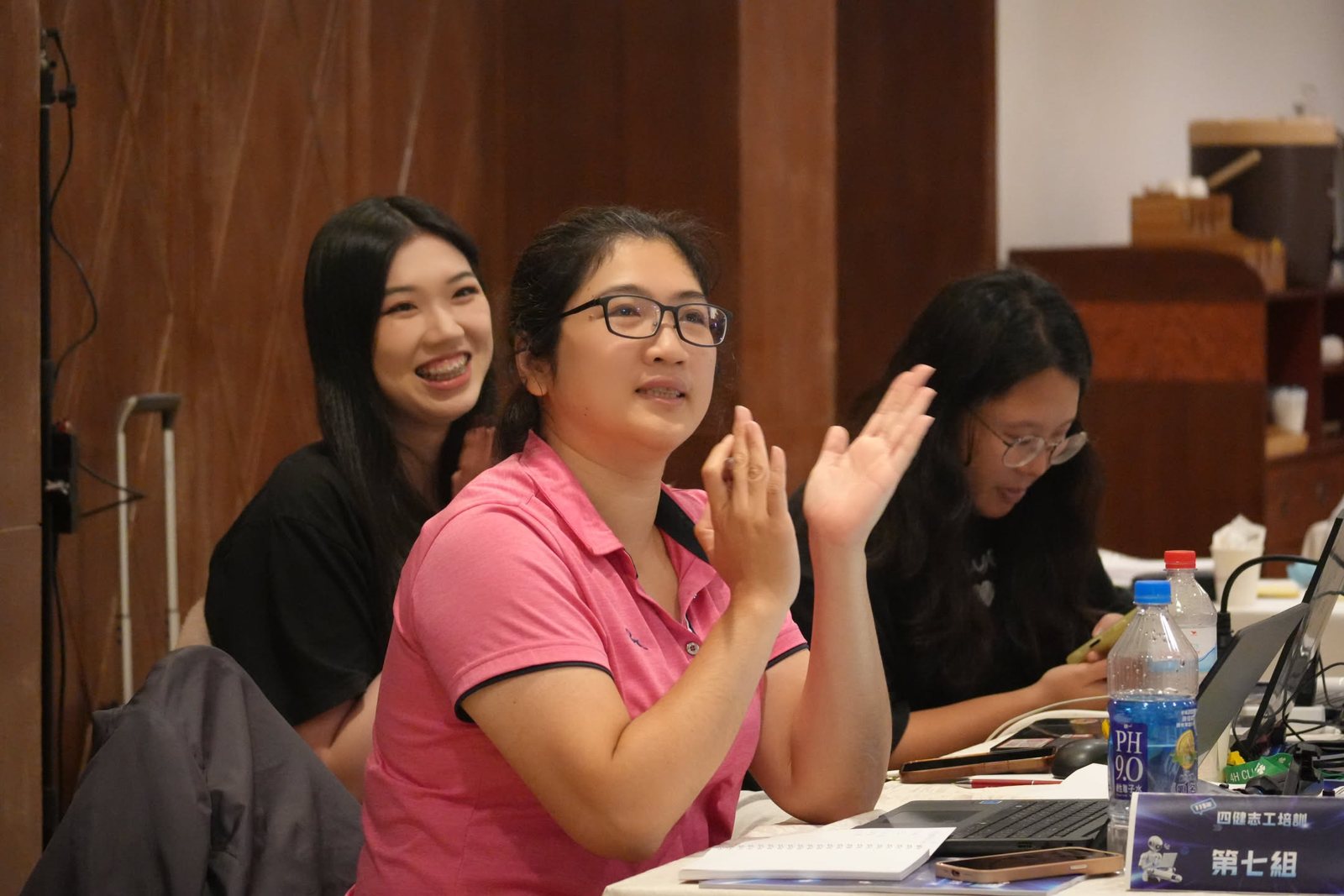
Thanks to the instructor and the assistant for leading the two days, and to every volunteer who took part in the course.